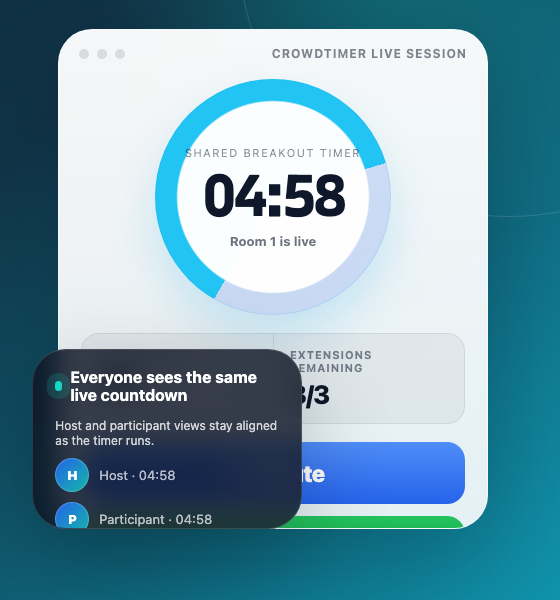
One timer everyone can trust
Hosts and participants see the same live countdown while breakout rooms are running.
Zoom breakout rooms
Ask for more time, mark rooms done, and keep every participant on the same live countdown without a side chat or manual reminders.
CrowdTimer gives hosts a facilitator view and gives participants simple room-level actions. The experience is intentionally narrow: show the timer, request one more minute, mark rooms done, and make sure each room has someone connected.
Hosts and participants see the same live countdown while breakout rooms are running.
Any room can ask for a little more time with a single participant action.
The facilitator keeps collaboration structured by seeing how many extensions remain.
Participants can mark their room done so hosts can see live room progress.
Hosts can confirm each breakout room has a connected representative before the timer starts.
People joining from a phone browser can enter their name, choose a room, and follow the same timer.
Give hosts a shared clock, lightweight room signals, and a fallback for people outside the Zoom app.
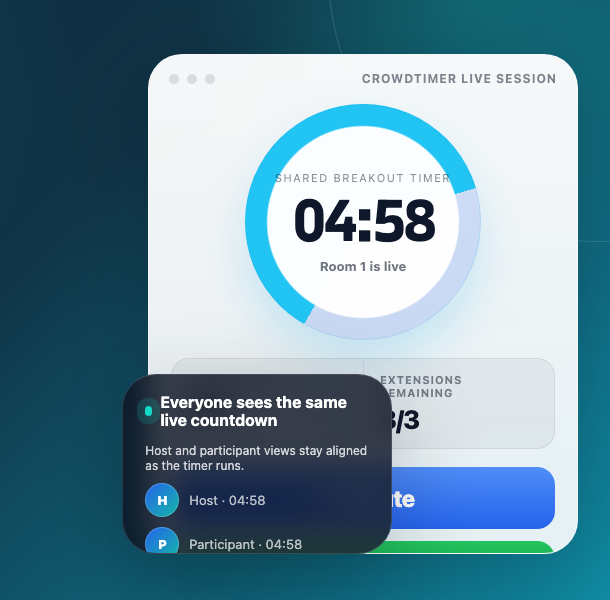
The host starts a visible timer that every connected room follows from the same countdown.
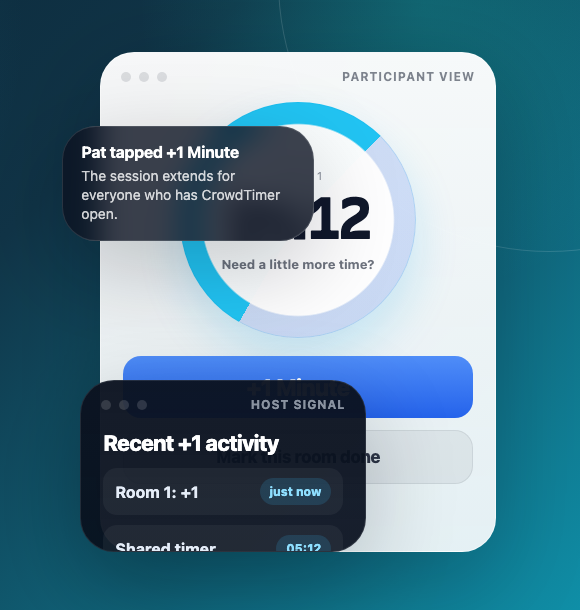
Participants get one obvious action when the conversation needs a little more time.
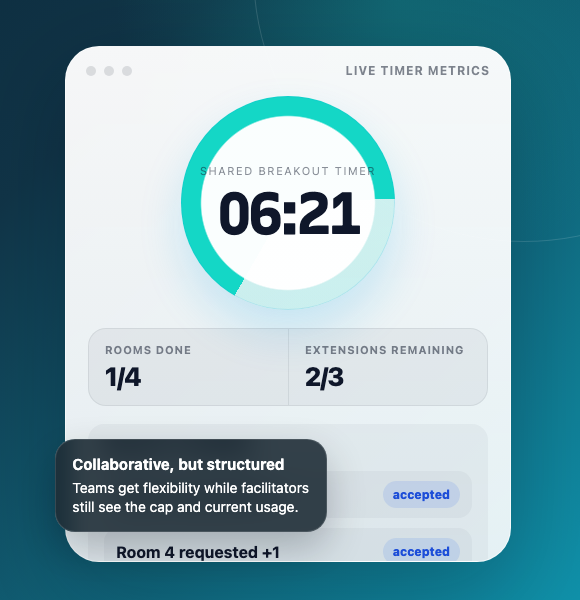
Facilitators can give teams flexibility without letting breakout timing drift.
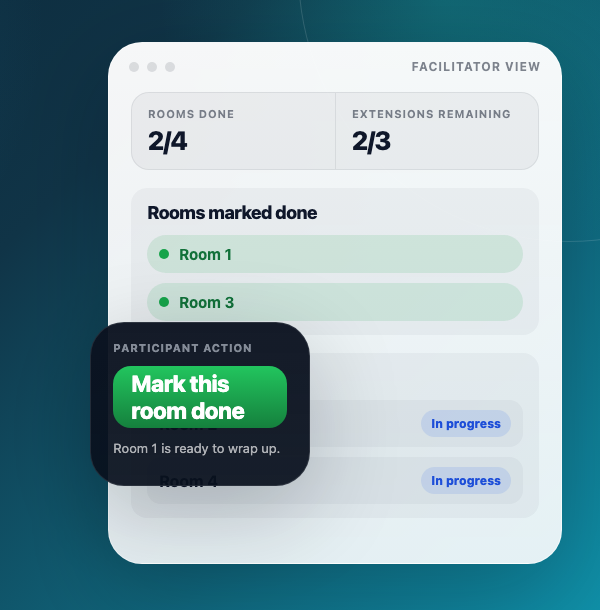
Rooms can signal when they are ready, giving the host live progress without interrupting discussion.
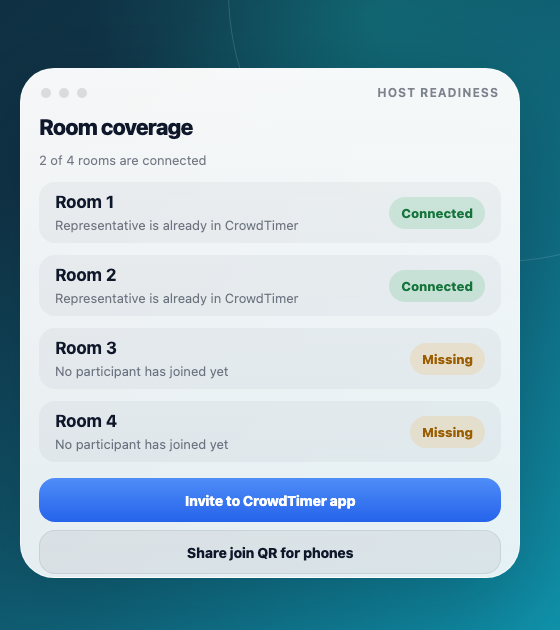
Hosts can spot empty rooms before the clock starts and invite people into the flow.
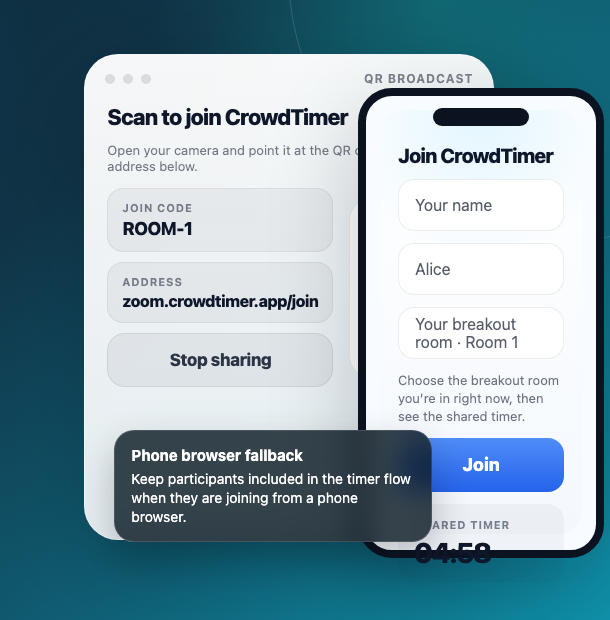
A QR join path keeps people aligned even when they cannot open the Zoom app.
CrowdTimer is documented for reviewers and admins: what the app does, how to run the host and participant flows, what data is used, and how to get help.
Step-by-step guidance for adding CrowdTimer to Zoom, starting a timer, joining from a phone, and removing the app.
PrivacyPublic policy covering the limited meeting, room, participant, and timer data needed to run shared countdowns.
SupportReviewers, admins, and users can reach support, request deletion, and see expected response times.
TermsTerms explain acceptable use, Zoom app behavior, support scope, and account responsibilities.
Install from the Zoom Marketplace listing, or use the public documentation to review the app behavior, support path, and data practices.